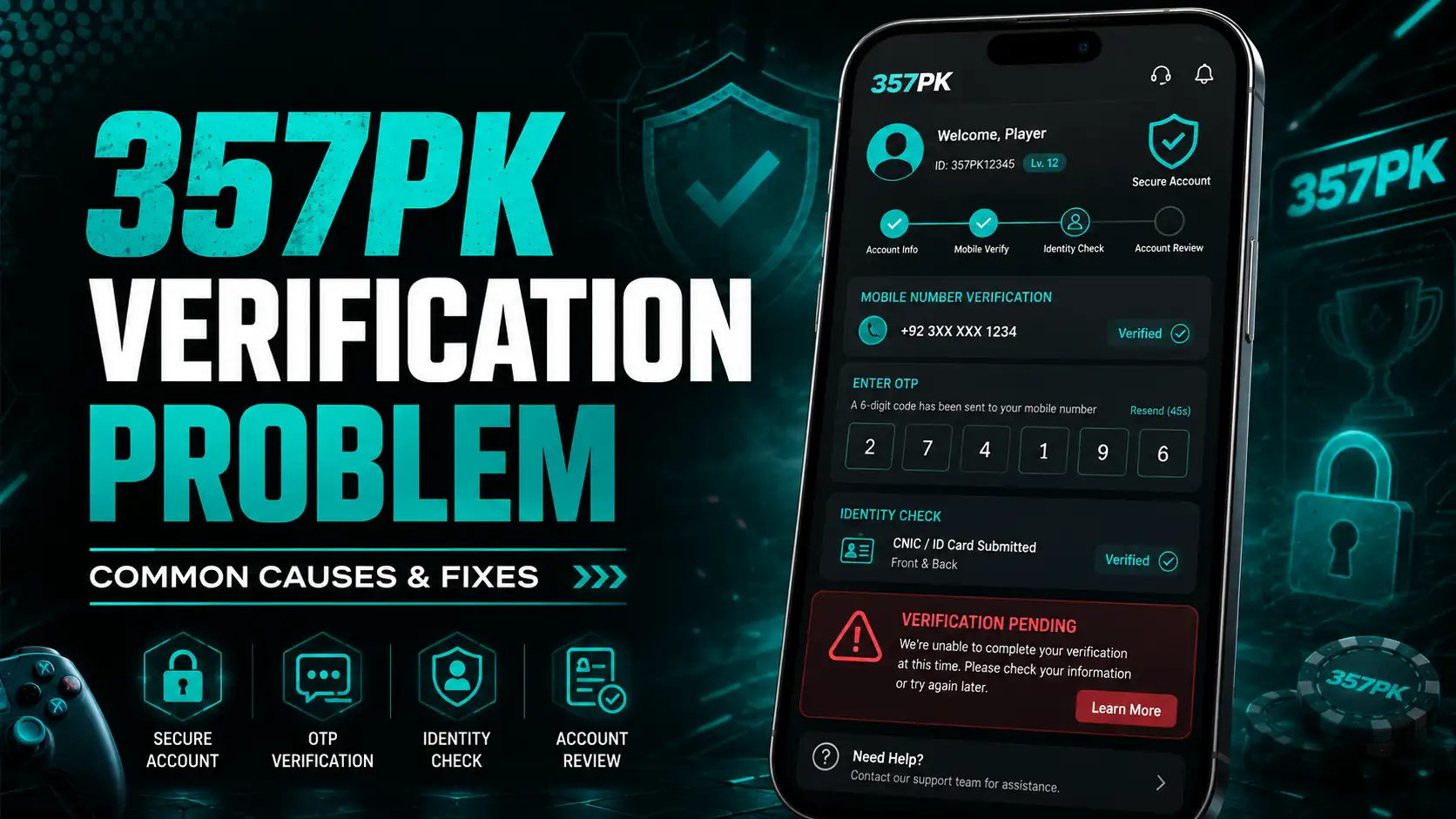
357PK Verification Problem – Causes, Fixes & Account Help
A 357PK Verification Problem can stop a user from completing registration, updating account details, claiming certain offers, or requesting a withdrawal. For a new user, this can be confusing because the account may appear normal while one important feature remains unavailable.
In many cases, verification difficulties do not mean that the account has permanently failed. The issue may come from incorrect information, an expired OTP, mismatched payment details, duplicate accounts, poor internet connectivity, or a temporary security review.
The right approach is to identify what the platform is asking for before trying random solutions. Repeating the same verification request many times or entering different information can sometimes make the situation more complicated.
This article explains the most common reasons behind a 357PK Verification Problem and the practical checks users can make before contacting customer support.
Verification Is More Than Just Entering an OTP
Many users think verification only means receiving a code on their mobile number. In reality, an online gaming account may use several checks depending on the activity being performed.
The system may confirm the registered phone number, account name, payment information, withdrawal method, login activity, or other profile details.
This is why one account can work normally for gameplay but still face restrictions when a user tries to access another feature.
A 357PK Verification Problem may therefore appear at different stages. One user may have difficulty receiving a confirmation code, while another may face a review when adding a payment account.
Before making changes, first identify exactly which part of the account requires verification.
Start With the Information You Entered at Registration
A small mistake during account creation can cause problems later.
Users sometimes enter an incorrect phone number, nickname, payment name, or other details because they are in a hurry to register. The account may still be created, but a mismatch can become noticeable when verification is required.
If you are facing a 357PK Account Verification Issue, open your profile and check the information already saved there.
Look carefully for spelling mistakes or incorrect numbers. If the platform allows editing, correct the information only through the official account settings.
Avoid changing details repeatedly. Multiple changes in a short period may look unusual and could trigger an additional security check.
An OTP Can Fail for Simple Reasons
One of the most common verification difficulties involves one-time passwords.
A verification code may arrive late because of network congestion, poor mobile coverage, or a temporary delay. Sometimes users request another OTP before the first one arrives and then enter an older code.
This can create a 357PK Verification Problem even when the mobile number itself is correct.
Wait for the most recent code and enter it within the allowed time. Make sure your phone can receive SMS messages and that the number shown on the account is correct.
Do not request codes continuously. If several OTP requests fail, wait for a while before trying again rather than repeatedly pressing the resend button.
Your Mobile Number Should Belong to You
Using someone else’s phone number may create complications.
A friend or family member might help a user register, but later the platform may send security codes or verification messages to that same number. If the original owner is unavailable, the account holder may be unable to complete the process.
To reduce the chance of a 357PK Verification Problem, users should register with a mobile number they control and can access regularly.
This also helps if the account needs password recovery later.
Never purchase verification codes from another person or use temporary SMS services. Such methods can create account-security risks and may make it difficult to prove account ownership.
Payment Details Can Trigger Another Check
Verification problems sometimes appear only when a user tries to add a withdrawal method.
For example, the name connected to a bank account or mobile wallet may differ from the information entered on the gaming profile. A platform may temporarily stop the process until the details are checked.
If the 357PK Verification Problem appears while adding a payment method, review every field before submitting again.
Check the account number, mobile wallet number, account holder information, and any other required details.
Using another person’s payment account can also lead to additional questions. Where possible, use a payment method that belongs to the same person who created the gaming account.
Multiple Accounts Can Cause Verification Confusion
Creating several accounts may seem useful to some users, especially when referral offers or welcome promotions are available. However, duplicate accounts can create problems when the same phone, device, payment method, or personal details appear more than once.
A 357PK Account Verification Issue may arise if the platform detects information connected with another profile.
The safest option is to keep one account and use genuine details.
If you accidentally created more than one profile, do not keep switching between them or adding the same payment details everywhere.
Contact official support and explain the situation rather than attempting to hide the duplicate account.
A New Device Can Sometimes Require Confirmation
Security systems may react when an account suddenly logs in from a different phone, browser, or location.
This does not always mean there is a serious problem. It may simply be an additional security measure designed to confirm that the real account holder is logging in.
If a 357PK Verification Problem starts after changing your mobile phone or reinstalling the application, check for any security message or confirmation request.
Use the registered phone number and normal login method whenever possible.
Avoid repeatedly using VPNs or constantly changing devices during verification because unusual login patterns may make account confirmation more difficult.
Poor Internet Can Interrupt the Process
Not every verification failure is connected to the account itself.
An unstable internet connection can cause a form to stop loading, an OTP request to fail, or a verification page to remain stuck.
Before assuming that you have a serious 357PK Verification Problem, switch to a stable Wi-Fi or mobile-data connection and reopen the application.
Do not refresh the page repeatedly while information is being submitted.
If the application becomes unresponsive, close it normally, reopen it, and check whether your previous request was already recorded.
Submitting the same information many times can make it difficult to understand which request is currently active.
Old App Versions May Create Technical Errors
Applications are updated over time, and an older version may not always work correctly with newer account features.
If verification buttons are missing, pages fail to load, or forms do not submit, check whether you are using the latest trusted version available from the platform.
A technical error may look like a 357PK Verification Problem even though the account information itself is correct.
Avoid downloading modified APK files from random websites just to fix the issue.
Unofficial versions can create security risks and may not communicate properly with the platform’s current systems.
Always use a trusted source when updating any application.
Avoid Sending Documents to Unknown People
This point is especially important.
If account verification requires personal information, users should provide it only through an official platform channel. Do not send identity documents, bank screenshots, OTPs, passwords, or withdrawal PINs to people who contact you privately.
Scammers often target users already facing an account problem because they know the person wants a quick solution.
Someone may claim that they can remove a 357PK Verification Problem if you send them your login details or make an additional payment.
Do not trust such offers.
Official support should never need your full account password or one-time verification code to investigate a normal technical issue.
Do Not Keep Editing Your Profile
When verification fails, some users begin changing their name, phone number, payment information, and other account details repeatedly.
This usually does not solve the underlying issue.
If your original information is correct, leave it unchanged while the account is being reviewed.
A 357PK Account Verification Issue can become harder to understand when multiple pieces of information are changed at the same time.
Make only the correction that is genuinely required.
If an important field cannot be edited, contact support and ask for the correct process rather than creating a new account with different details.
What I Would Check Before Contacting Support
Before contacting customer care, I would perform a simple account check.
First, confirm that the registered mobile number is correct and active. Second, make sure you are entering the newest OTP. Third, review your profile information and payment details for obvious mistakes.
Then check your internet connection and app version.
If the 357PK Verification Problem still continues, take a screenshot showing the error message or the page where verification stops.
A screenshot can make it easier to explain the situation to support.
Also note the approximate time when the issue occurred and what you were trying to do at that moment, such as registration, login, payment setup, or withdrawal verification.
When Customer Support Becomes Necessary
Some verification problems cannot be fixed from the user’s side.
If the account is under manual review, a required field is locked, or the system continuously rejects correct information, official support may need to investigate.
When reporting a 357PK Verification Problem, keep the message simple and specific.
Provide your account ID or registered number, explain which verification step is failing, and attach a screenshot if the support channel allows it.
Do not send unrelated messages or submit the same complaint repeatedly.
A clear explanation gives the support team a better chance of identifying whether the issue involves an OTP, account information, payment method, or security review.
Verification and Withdrawals Are Often Connected
Users may sometimes notice verification only when they try to withdraw money.
This can happen because financial transactions may require additional account checks compared with normal gameplay.
If the platform asks for verification before processing a withdrawal, complete the required steps through official channels.
Do not view every additional check as a withdrawal refusal.
At the same time, users should read the platform rules carefully and understand what information may be required before depositing significant amounts.
A 357PK Verification Problem is easier to handle when your account details and payment information have been accurate from the beginning.
What You Should Not Do
When verification becomes frustrating, avoid actions that could create new problems.
Do not create another account simply because the first one is under review. Do not enter false personal details to bypass a verification request. Do not use someone else’s payment account without understanding the platform rules.
Avoid suspicious third-party tools that claim to bypass verification.
You should also never pay an unofficial agent who promises to remove the 357PK Verification Problem instantly.
These shortcuts may put your account balance and personal information at greater risk.
The safest solution is usually to correct genuine mistakes and follow the normal account-recovery or support process.
Keep Your Account Information Consistent
Consistency is one of the easiest ways to reduce verification trouble.
Use your real phone number, keep your account details accurate, and avoid unnecessary changes. If your payment method changes, update it through the proper account settings rather than sharing new details through unofficial messages.
Keep screenshots of important account changes and transaction references.
If a 357PK Account Verification Issue appears later, having consistent records makes it easier to explain what happened.
Users should also keep their password private and use a strong screen lock on the phone where the gaming account is logged in.
Account security and verification often go together.
Final Thoughts on the 357PK Verification Problem
A 357 PK Verification Problem can happen because of a simple technical error or because the platform needs additional information before allowing certain account actions.
Incorrect registration details, delayed OTPs, mismatched payment information, duplicate accounts, new-device logins, unstable internet connections, and outdated application versions are all possible causes.
The best solution is to work through the problem one step at a time.
Check your registered information first, use the newest verification code, confirm your payment details, and make sure the application and internet connection are working correctly.
If the problem continues, collect screenshots and contact official support with a clear explanation.
Most importantly, avoid shortcuts. Do not create duplicate accounts, share confidential information, use fake details, or pay strangers who promise instant verification.
Keeping your account information accurate and consistent can prevent many common issues before they begin. If a 357PK Verification Problem does occur, a careful and patient approach is much safer than repeatedly changing details or trying unofficial methods.